Get Started with Raspberry Pi Pico
This guide covers everything you need to set up your computer for Raspberry Pi Pico / Pico W (RP2040) development using the Arduino IDE. Pick a section below to get started.
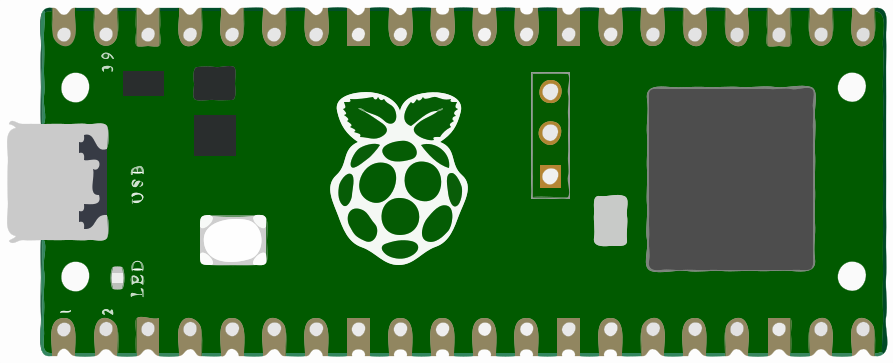
Hardware Setup
What you'll need and how to connect your Pico in bootloader (BOOTSEL) mode.
Learn moreSoftware / IDE Guide
Install the Arduino IDE and add the Raspberry Pi Pico board package.
Learn moreNo-Code Flash
Flash pre-built firmware straight from your browser — no IDE required.
Learn moreFirst Program Guide
Select your board and port, then upload and run your first sketch.
Learn moreAdvanced: VS Code + PlatformIO
Use VS Code with the PlatformIO extension for a professional, multi-board workflow.
Learn more